
Every Dial
One score for muscle and fat
Every number sits against its standard range. The InBody Score sums up muscle against fat: 80 is the starting line, and it climbs as muscle goes up and fat comes down.
Your Dial tests and the InBody result sheets from your gym or clinic, on one graph. So nothing you’ve measured so far is wasted. On iPhone and Android.


Works with Dial H20, H30 and H40. Needs iOS 15 or later, or Android 8 or later.

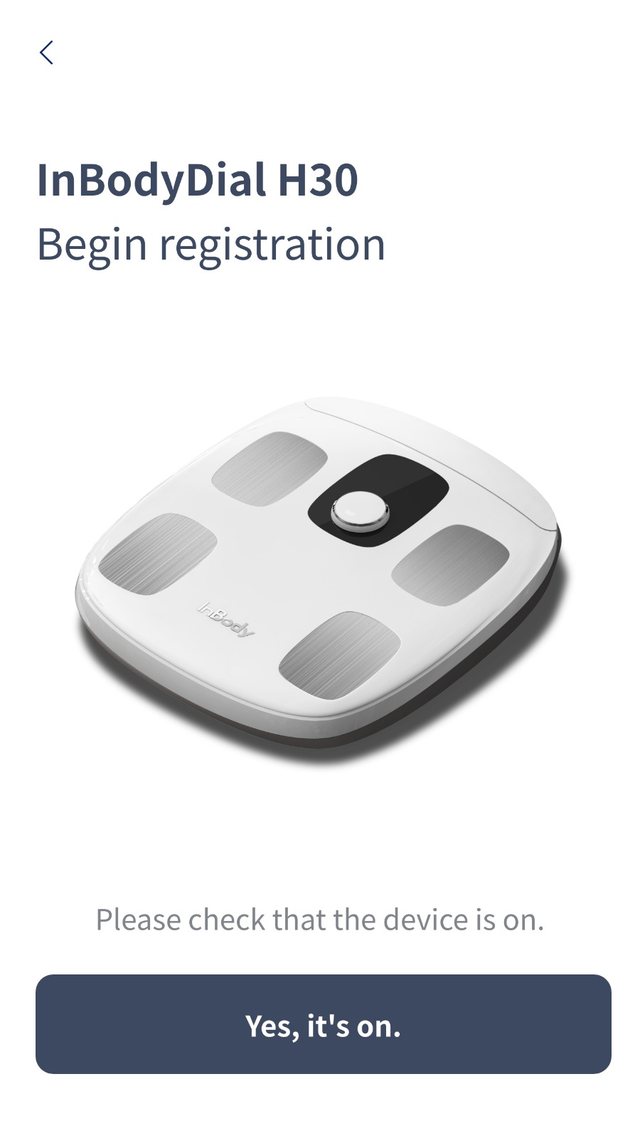
Switch it on
Open the app and start registration.

Pick your Dial
H20, H30 or H40, straight from the list.

Name it
Your nickname shows on the Dial’s own screen.
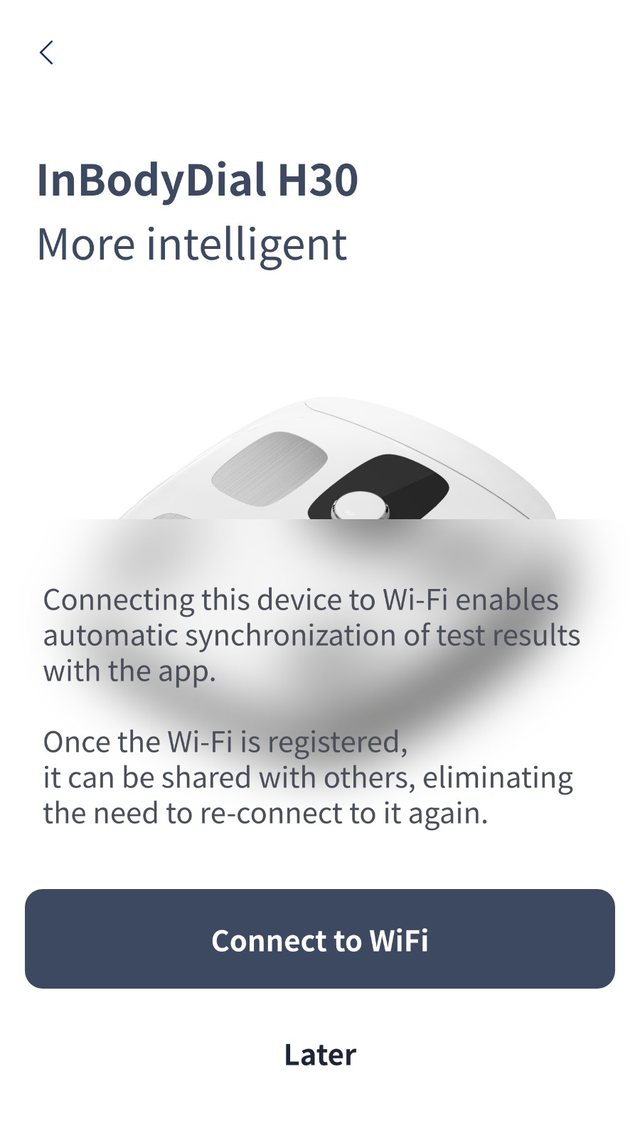
Connect Wi-Fi
H30 and H40 sync every test by themselves.
Each test arrives with what it means and how it compares with last time.
Every Dial
Every number sits against its standard range. The InBody Score sums up muscle against fat: 80 is the starting line, and it climbs as muscle goes up and fat comes down.
Every Dial
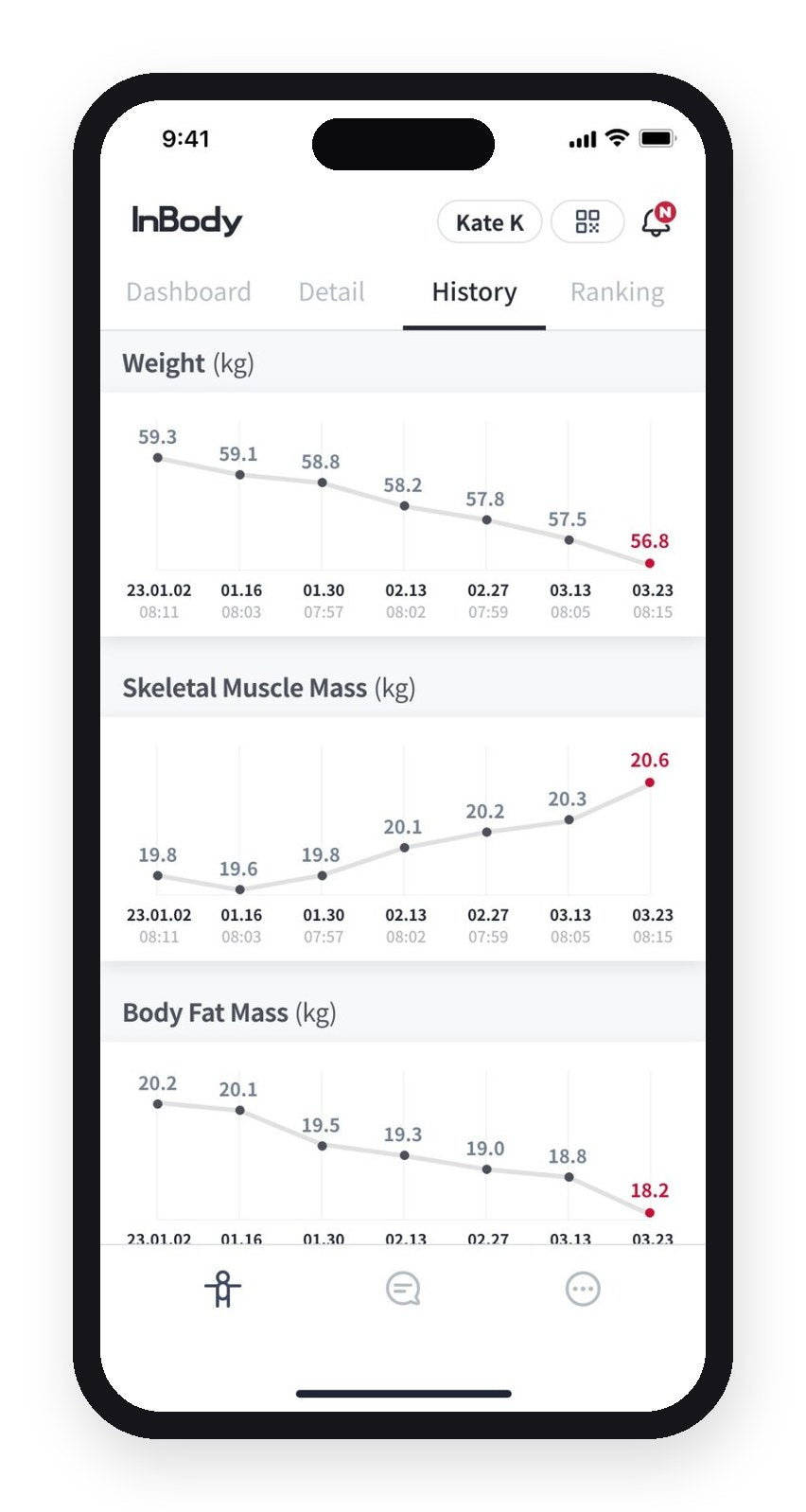
Muscle and fat on one graph, test after test, so you see which one is moving.
Dial H30 · Dial H40
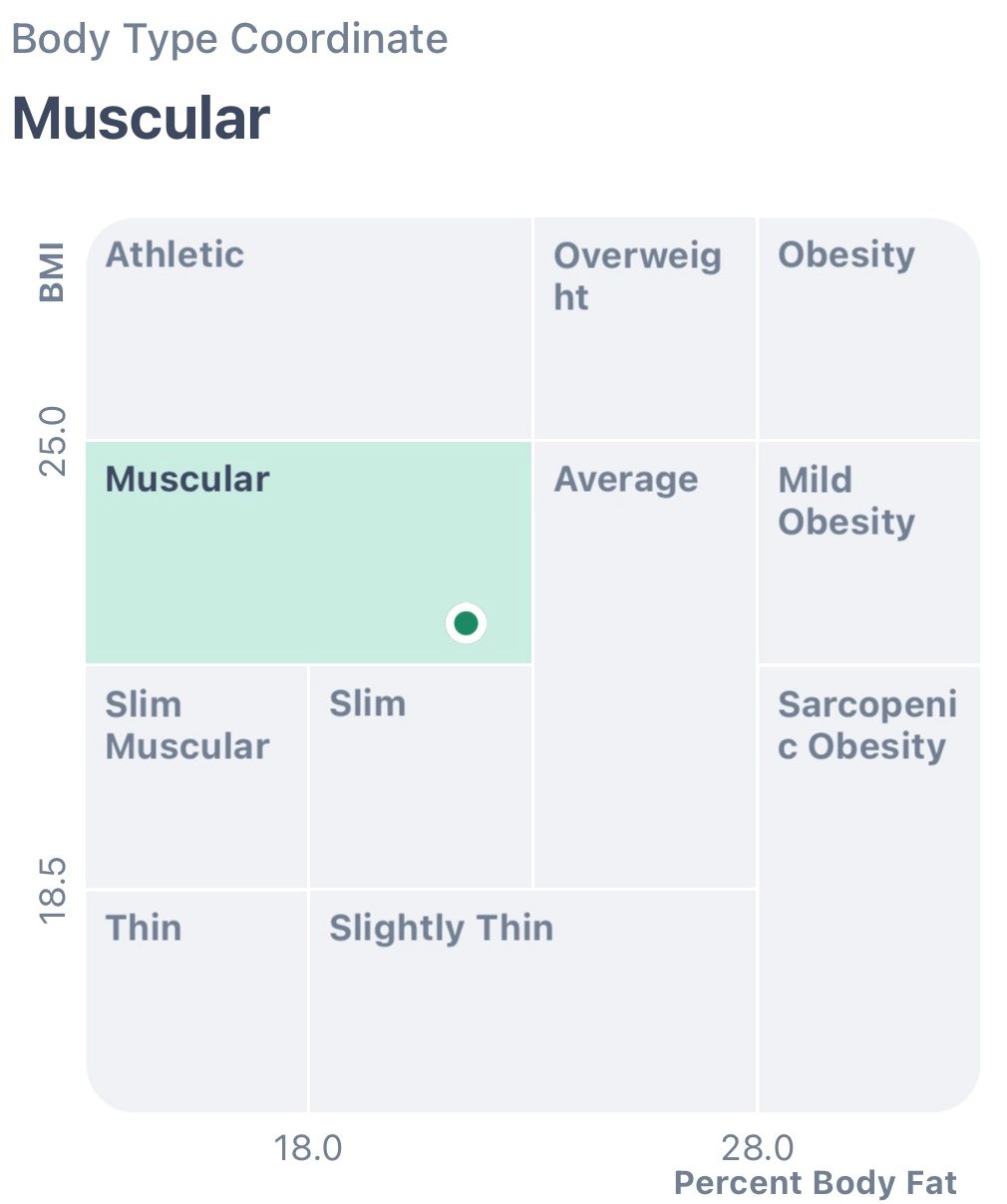
Your BMI plotted against your body fat percentage, so a normal BMI with high body fat can’t hide.
The InBody app
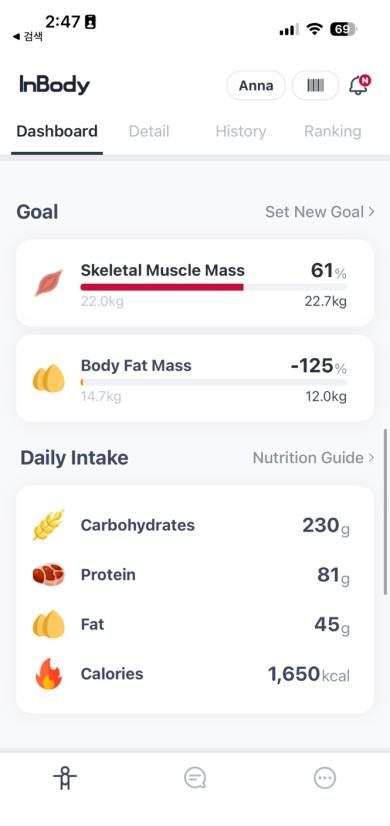
Choose to build muscle, lose fat, or both. Every test shows how far you’ve come.
Every Dial
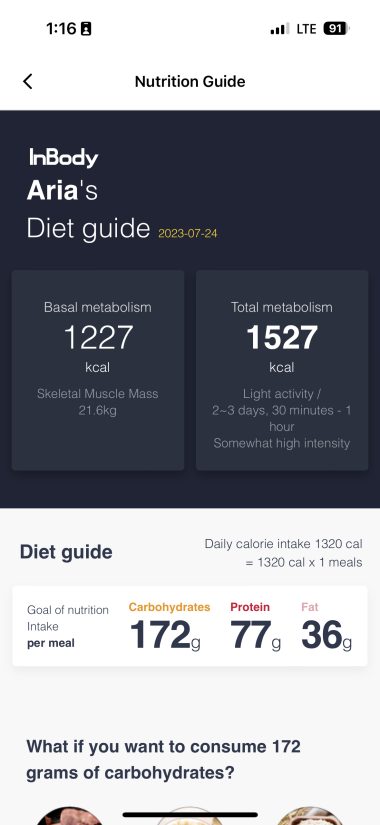
Your basal metabolic rate (BMR): the calories your body burns at rest, updated at every test.
The InBody app
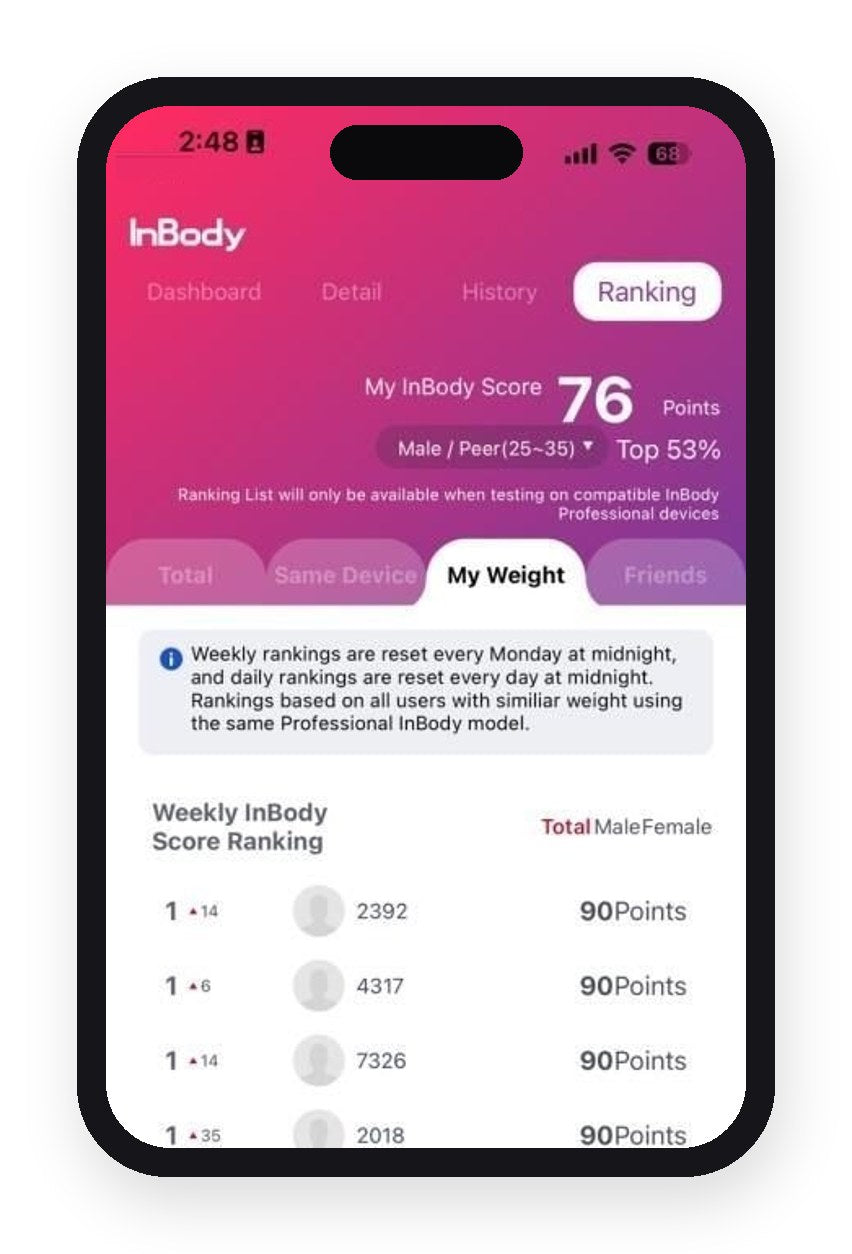
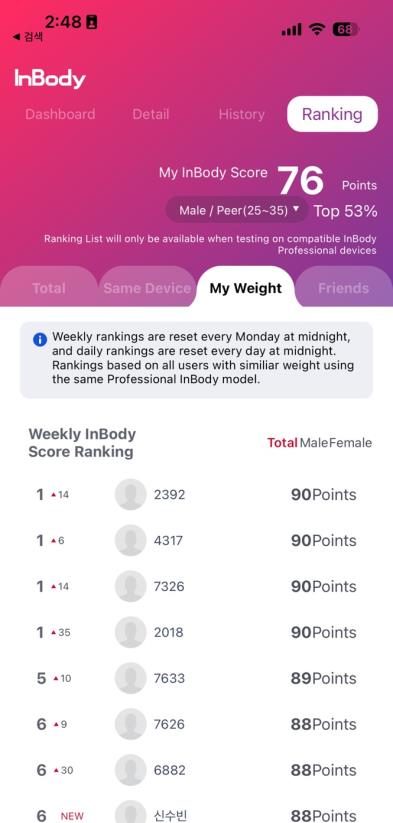
Rankings stay off until you join. Only your InBody Score is ever shown, never your weight or body fat.
Also in the app: InBody Age, and a growth chart for children on Dial H30 and H40.
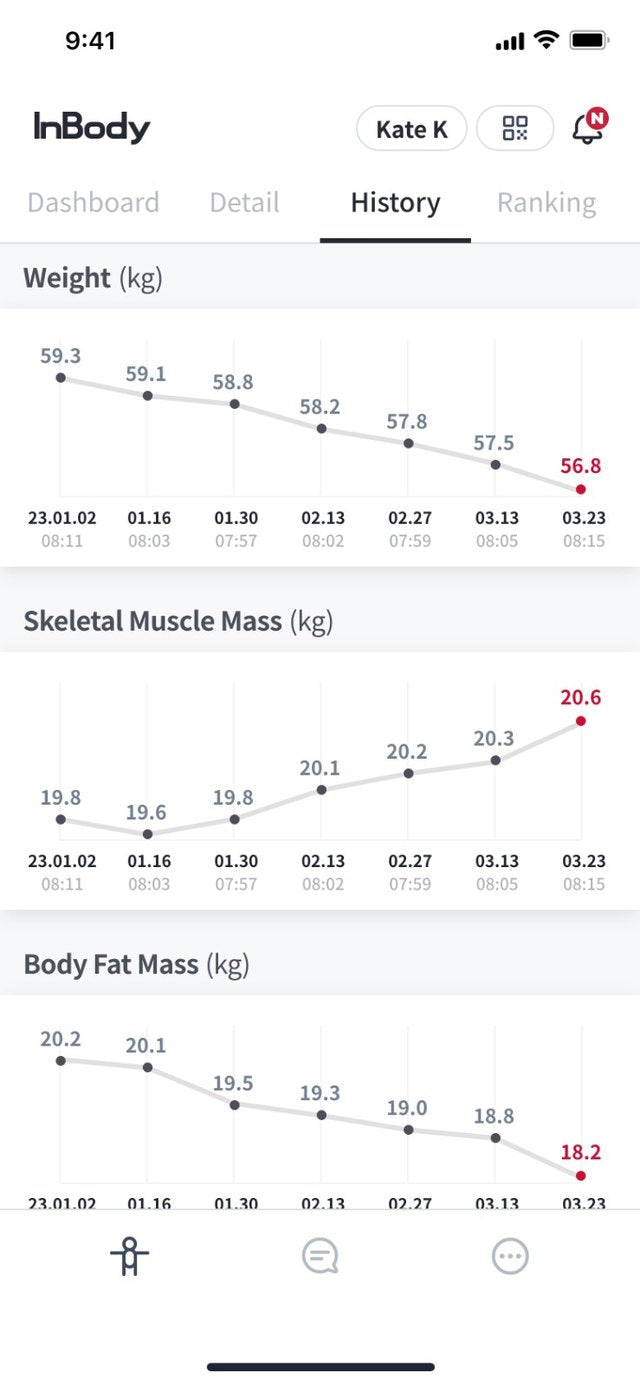
See the trend
Weight, muscle and fat, test after test, on one timeline.
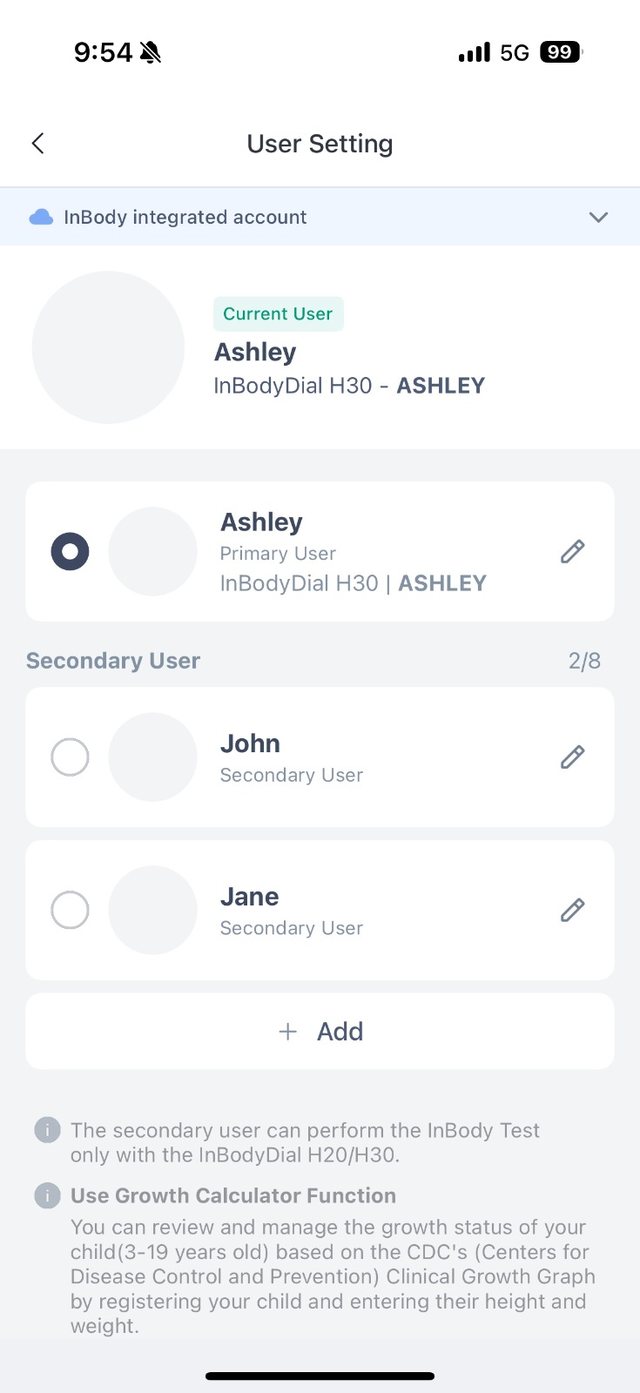
Everyone gets a profile
A main user plus the family on one Dial.
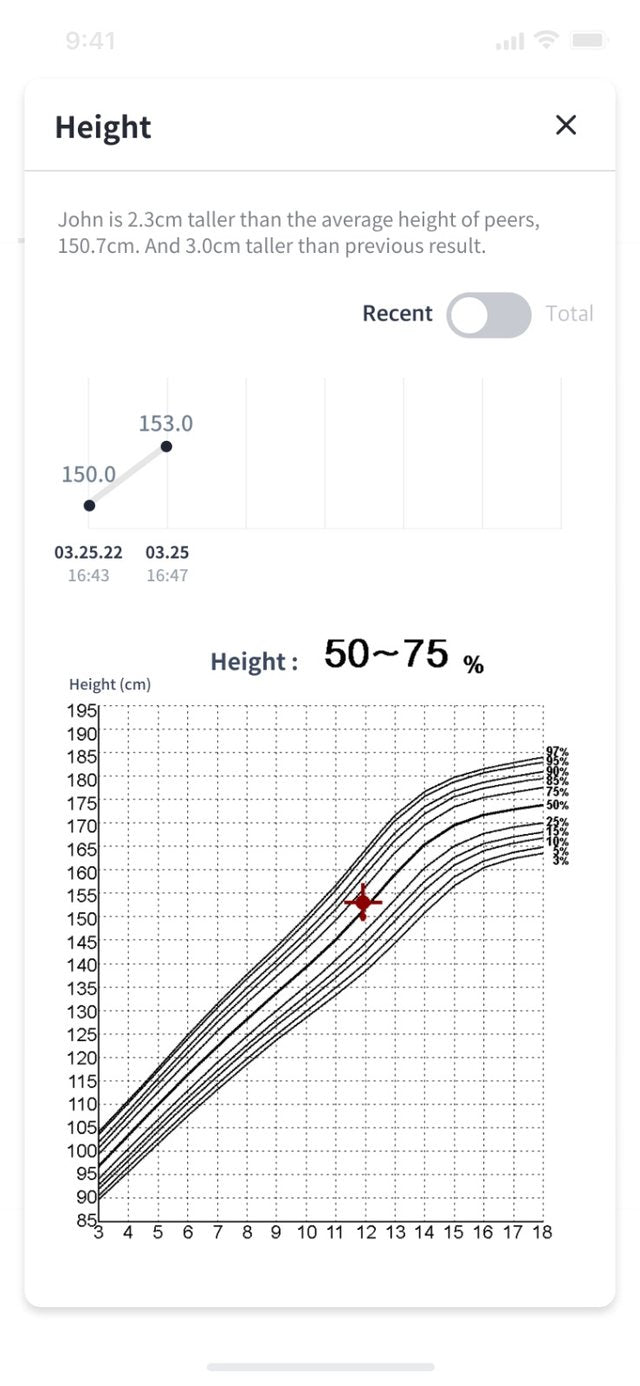
Kids, on a growth chart
Track a child’s height against a growth chart.
The app speaks up when something could skew your trend, like a height that needs updating or a weight that hasn’t moved at all.
Where it’s switched on, the app’s Self-Care log keeps each dose and any side effects next to your muscle and fat. Bring it to your next appointment and ask your doctor what it means for you.
Dial on weight-loss medication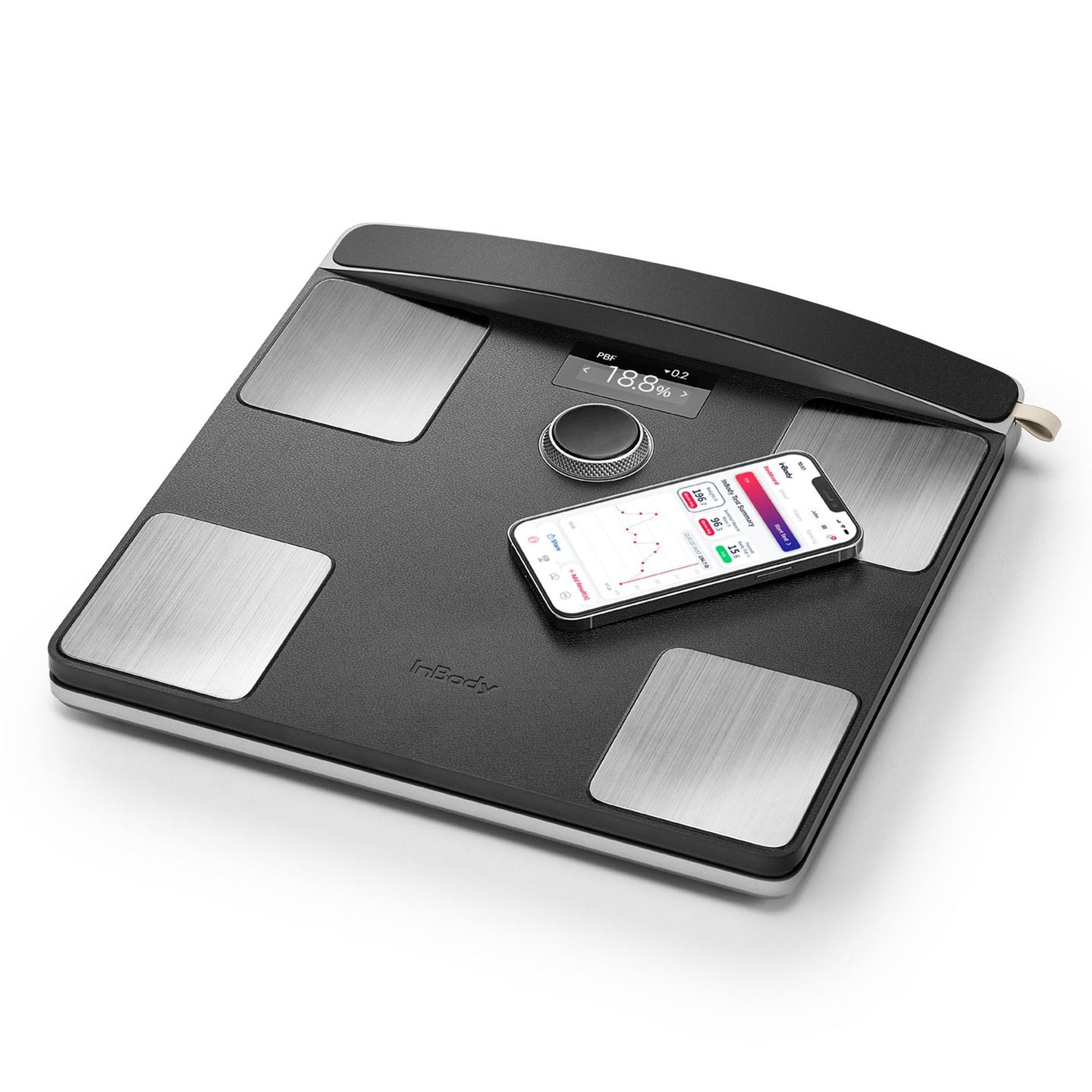
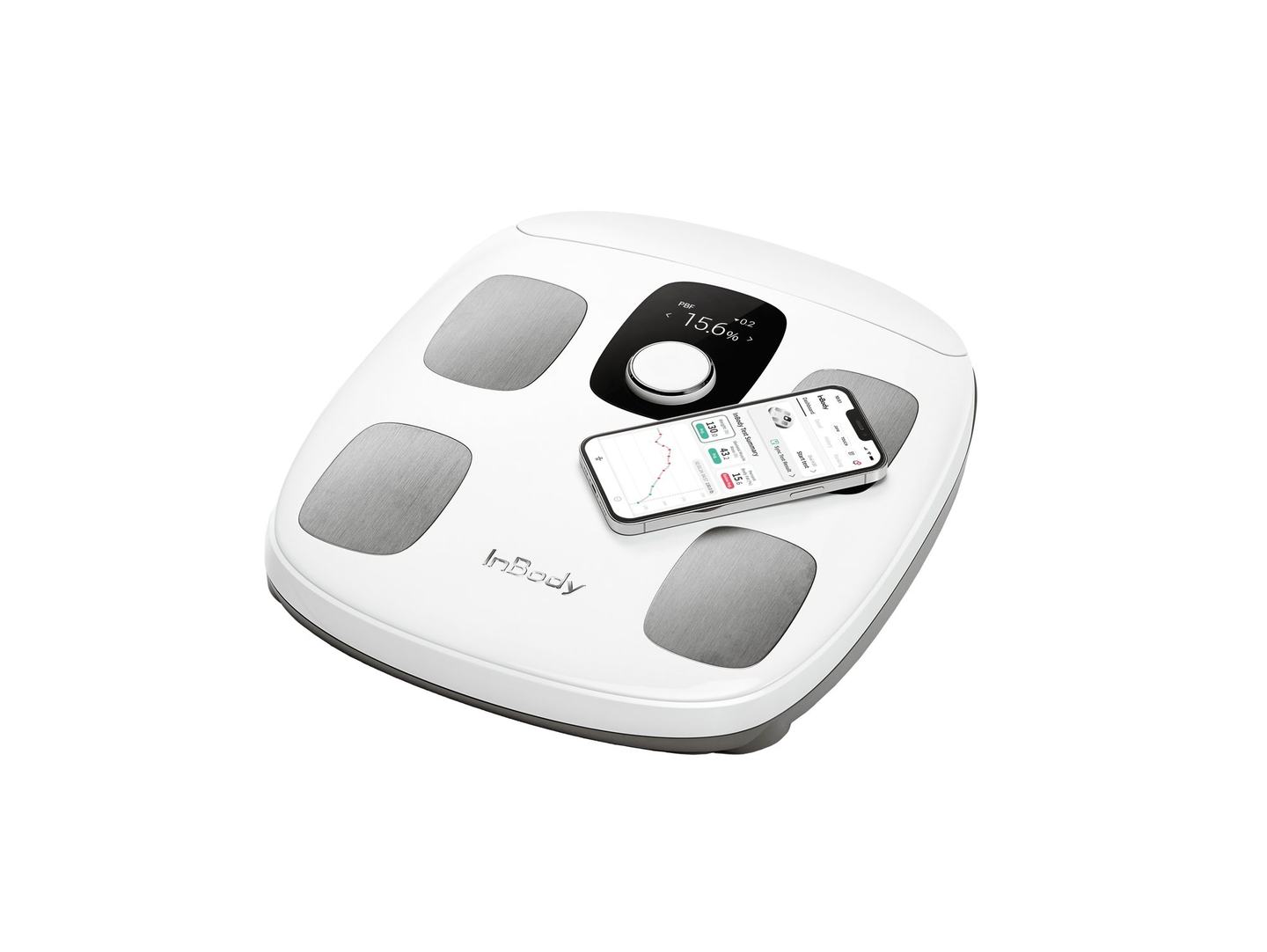
Scan the QR code on an InBody result sheet and it joins your home timeline, so the printout in your drawer becomes week one.
Send a results image from the app, or open your trend on your phone at the appointment.
Body composition can sync to Samsung Health and Health Connect on Android, and Apple Health on iPhone.
Manage up to 8 family members from one account. On the scale, Dial H30 and H40 recognise up to 20 people.
The InBody app, by InBody Co., Ltd., on the App Store and Google Play. It works with Dial H20, H30 and H40.
A phone with iOS 15 or later, or Android 8 or later, with Bluetooth on. Add the scale and your profile in the app, then start one test from the app. After that, Dial H30 and H40 recognise you when you step on.
Not with Dial H30 or H40. Once they’re on your Wi-Fi, results reach the app even when your phone is in another room. If Wi-Fi drops, the scale keeps up to 15 results per person and sends them when it’s back. Dial H20 uses Bluetooth, so keep your phone nearby with the app open.
Three Dials. One method. Pick your level of detail.
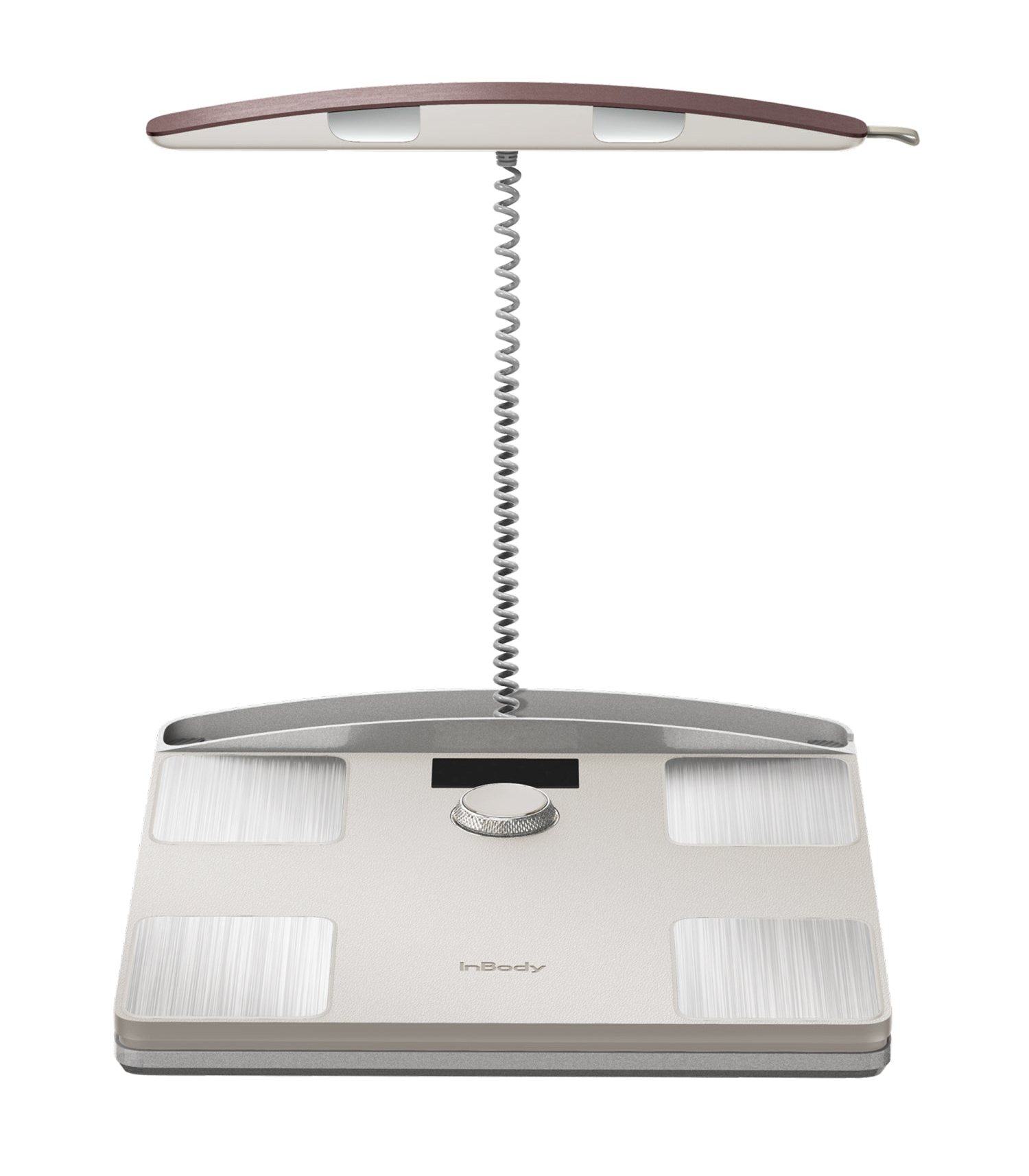 Dial H40For people who train. Leg muscle level and three balance ratings.
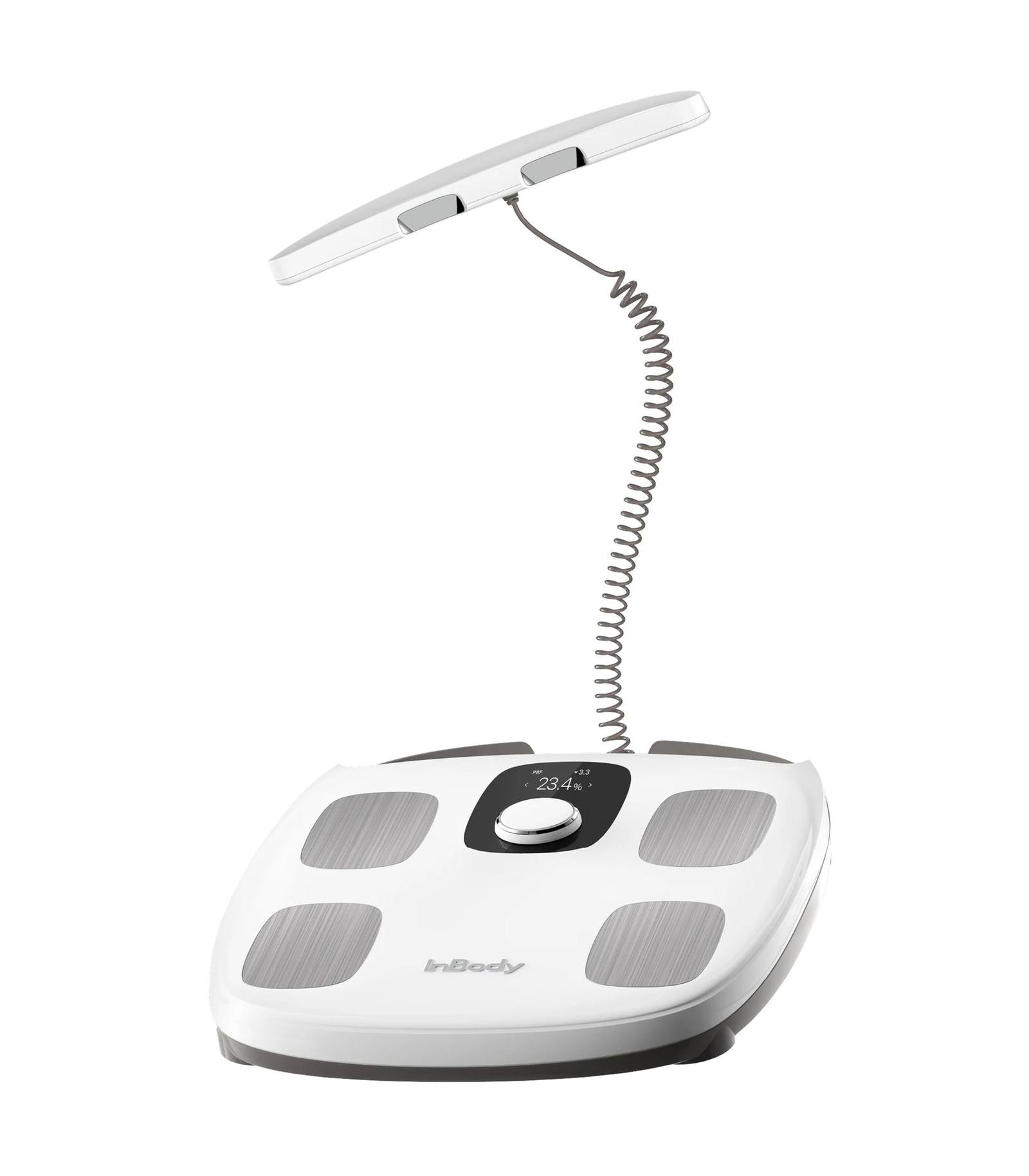 Dial H30For the whole house. Knows who stepped on.
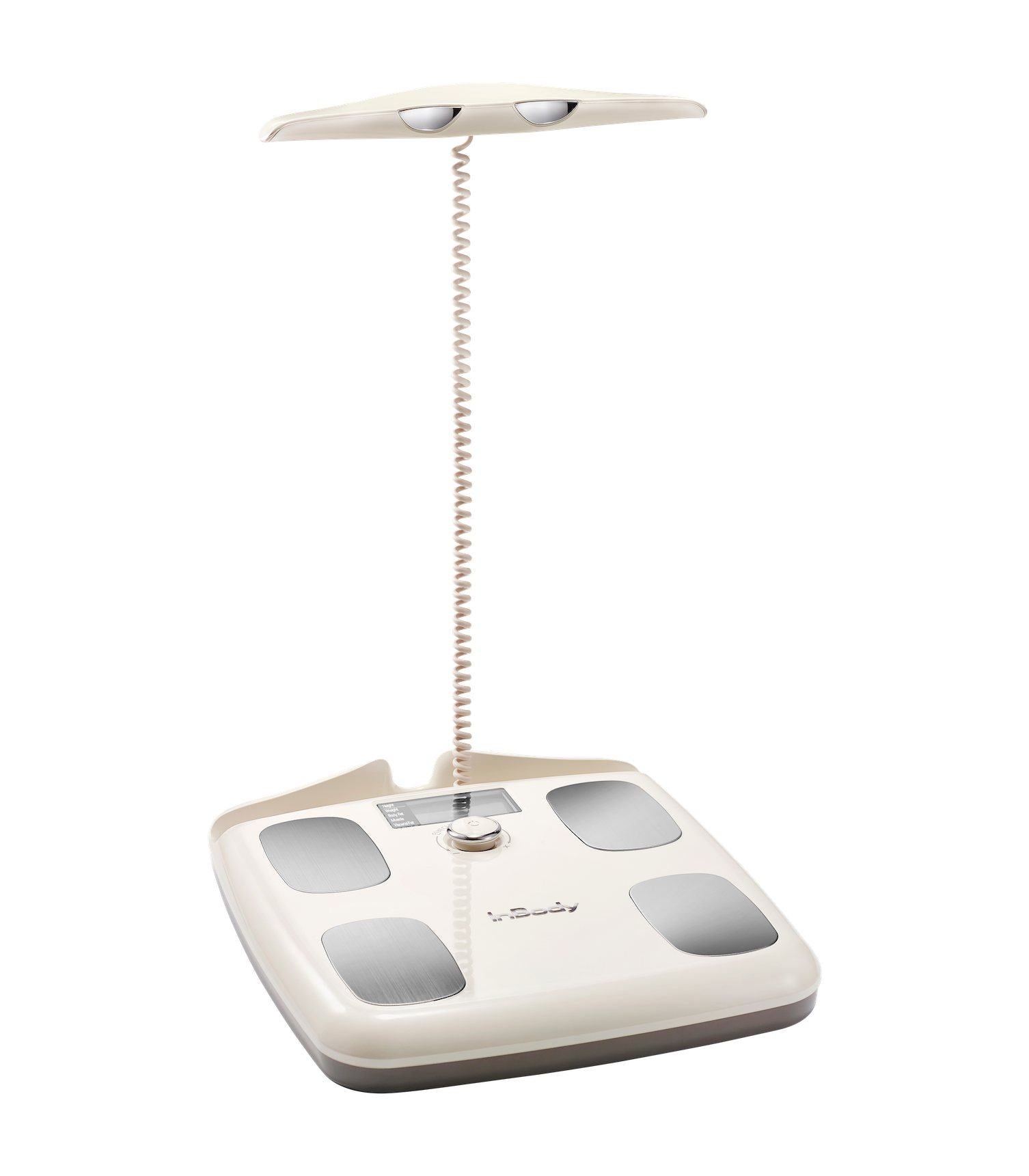 Dial H20For just you. Four readings on the screen.
Six reasons people step on a Dial, and the real numbers behind them. See what people measured
What happens next


