
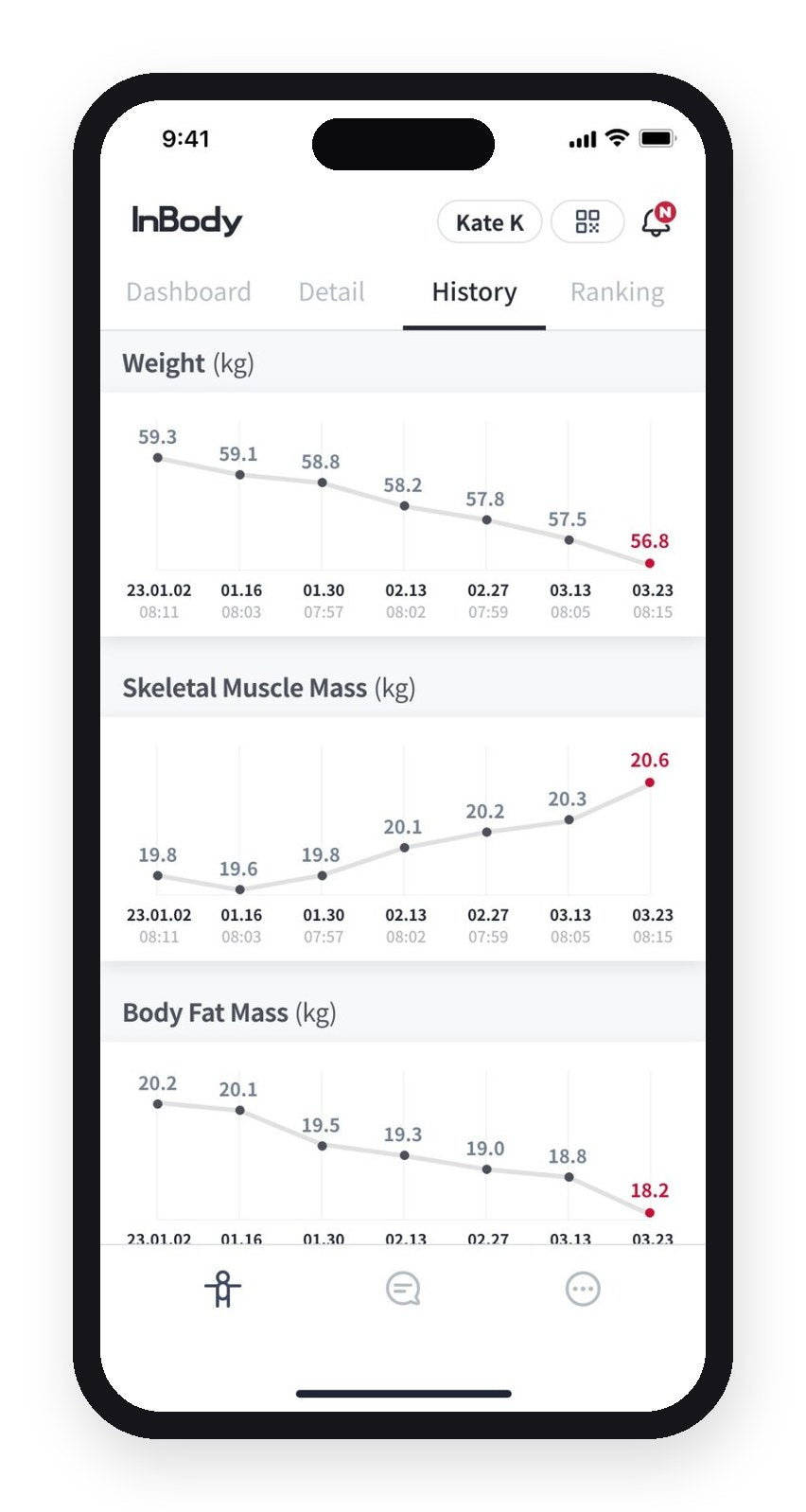
Know which kilos you lost.
When weight comes off fast, some of it can be muscle. A plain scale counts both as progress.
Dial shows skeletal muscle mass and body fat at every test, so you stop celebrating the wrong kilos.
On every Dial
Your scale adds muscle, fat, water and bone into one number. Dial pulls muscle and fat apart every time you step on, so you know which one moved.
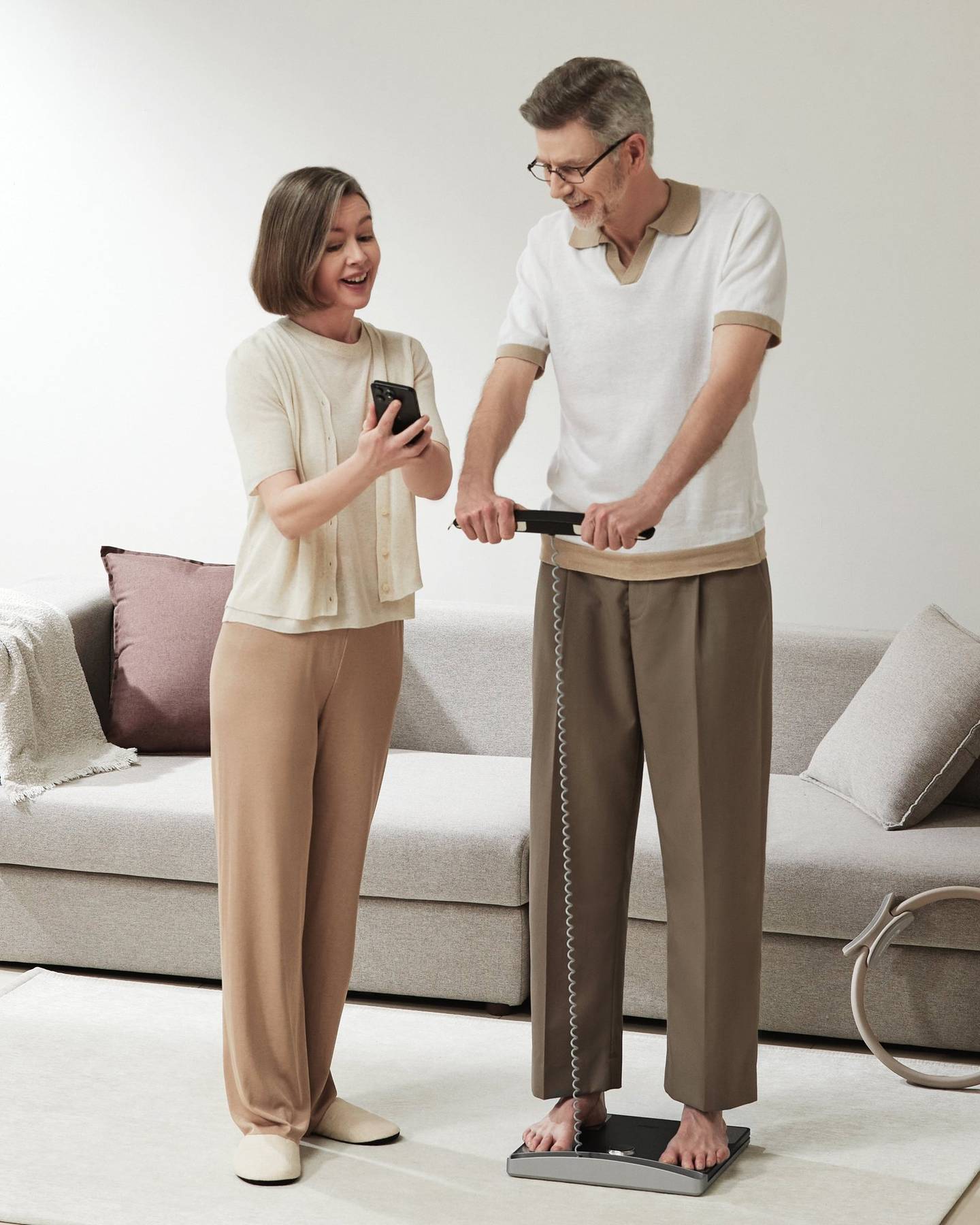
Both read 68 kg. Underneath, one carries 5 kg more muscle, the other about 7.5 kg more fat. A plain scale can’t tell them apart.
Person A
68 kg
Person B
68 kg
When weight comes off fast, some of it can be muscle. A plain scale counts both as progress.
Dial shows skeletal muscle mass and body fat at every test, so you stop celebrating the wrong kilos.
On every Dial
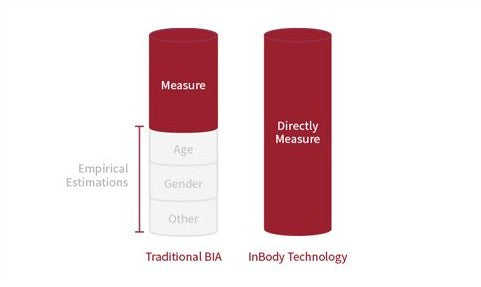
Some scales lean on the age and sex you type in. A birthday can move the result even when your body hasn’t.
Dial H40 makes no statistical correction for age or sex. It works from your own impedance, height and weight, so when the number moves, your body moved.
On Dial H40
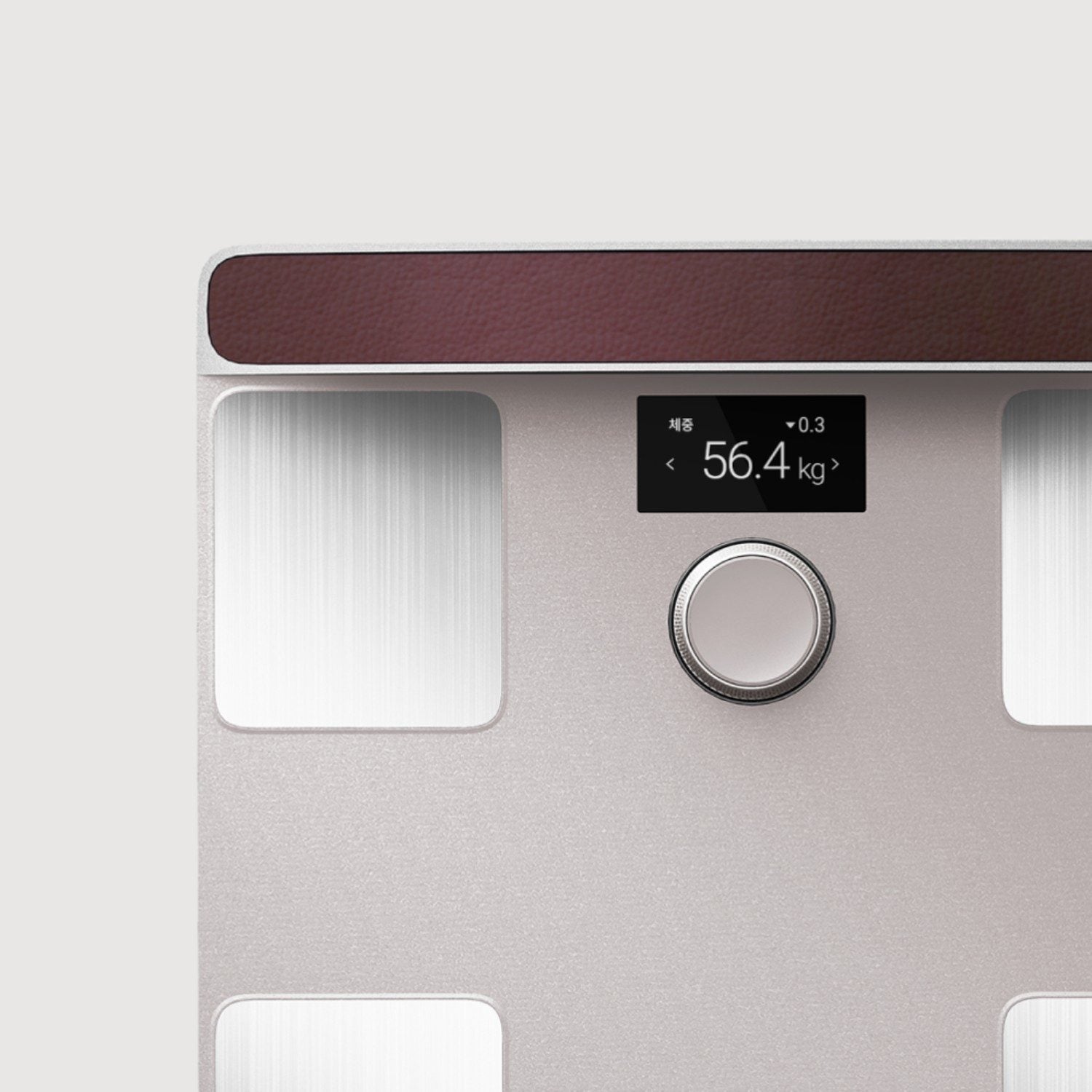
Most people forget last week’s number, so today’s means little. Dial doesn’t forget.
For weight, muscle and body fat, the screen shows what moved since your last test (▲ up, ▼ down) and where you sit on the standard range.
Shown when Dial recognises you, or when you start the test from the app.
On Dial H30 · Dial H40

A shared scale usually ends in one question: whose reading was that?
Dial matches your weight first, then your body’s own electrical signal, to tell up to 20 people apart. Your name shows on the screen first, so you can switch if it picks the wrong person.
On Dial H30 · Dial H40
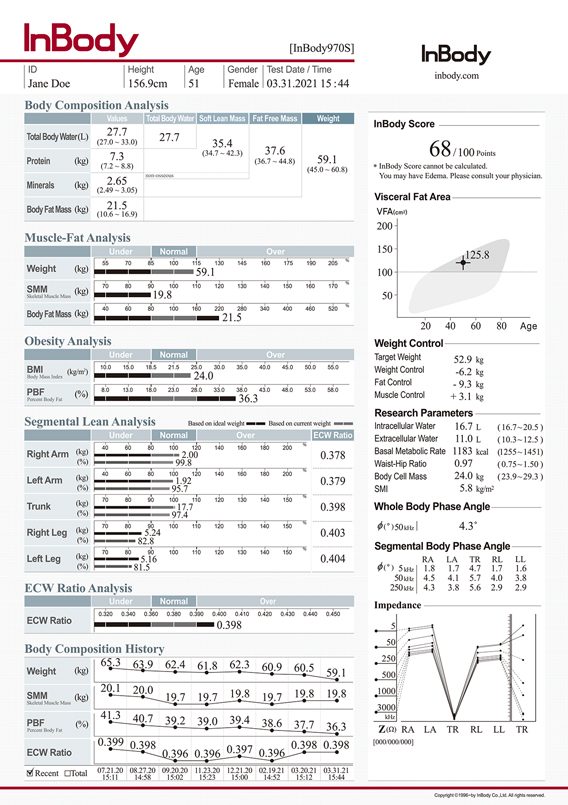
India has 3,000+ InBody analysers in gyms, clinics and hospitals. Their results usually end up on paper, in a drawer.
Scan the QR code on the result sheet with the InBody app and it joins your home results, so that printout becomes week one.
Some results may not show, depending on the InBody model and the facility.
In the InBody app
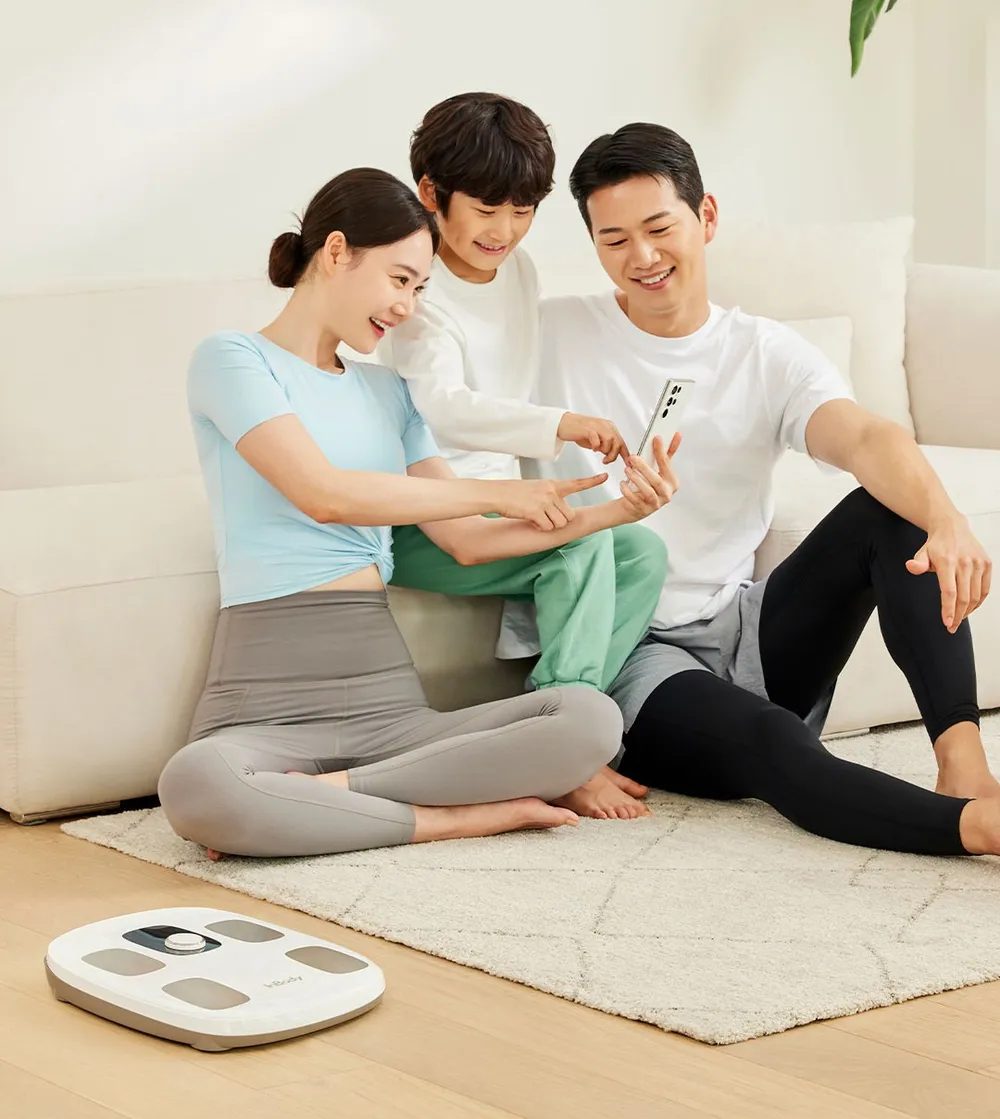
Children grow between tests, and an old height skews the result.
Change a child’s height on the scale itself before a test, then follow their growth on a chart in the app.
Dial H30 is for ages 3 and up. Dial H40 is for ages 6 and up, from 110 cm. Help children hold the right posture.
On Dial H30 · Dial H40
Made for a real home: guests, a 6 am alarm and a router that drops.
Visitors turn the dial to Guest, enter their height and test. Nothing lands in anyone’s history.
Dial H30 · Dial H40
Switch the beep off in the app, so the habit fits a full house.
Dial H30 · Dial H40
Up to 15 results per person wait on the scale and send when Wi-Fi is back, so a bad router day costs you nothing.
Dial H30 · Dial H40
Rankings stay off until you join. Only your InBody Score is ever shown, never your weight or body fat.
The InBody app
Your body composition can sync to Samsung Health and Health Connect on Android, and Apple Health on iPhone.
The InBody app
Pick a date range and export your history to your phone.
The InBody app
Every InBody Dial estimates visceral fat, the fat stored in your belly around your organs, as a level from 1 to 20. Under 10 is the standard range for adults. A normal BMI can hide a high level, so Dial shows it beside your weight. Watch the direction over weeks and ask your doctor what your level means for you.
Yes. InBody Dial H30 and H40 recognise up to 20 people as they step on. In the app, one account can manage up to 8 family members; others use their own accounts on the same scale. On Dial H20, each person sets their height on the dial before a test.
No. InBody Dial measures your arms, trunk and legs separately, then combines them into whole-body results. It rates your balance; it doesn’t show kilos for each arm or leg. Dial H30 rates upper–lower balance. Dial H40 rates upper-body, lower-body and upper–lower balance, and adds a leg muscle level.
Every Dial shows weight, muscle, body fat % and visceral fat level (an estimate of the fat around your organs) on its own screen. The InBody app adds body fat mass, BMI, BMR (the calories you burn at rest) and the InBody Score. Dial H30 and H40 add waist-hip ratio, body type and balance ratings in the app.
An InBody Dial test takes seconds: about 10 seconds on Dial H20, and about 20 seconds on Dial H30 and Dial H40.
No. InBody Dial is a body composition scale for tracking your wellness and fitness at home. It doesn’t diagnose any condition. Don’t use it if you have a pacemaker or any other implanted medical device, and talk to your doctor about what your trend means for you.
Three Dials. One method. Pick your level of detail.
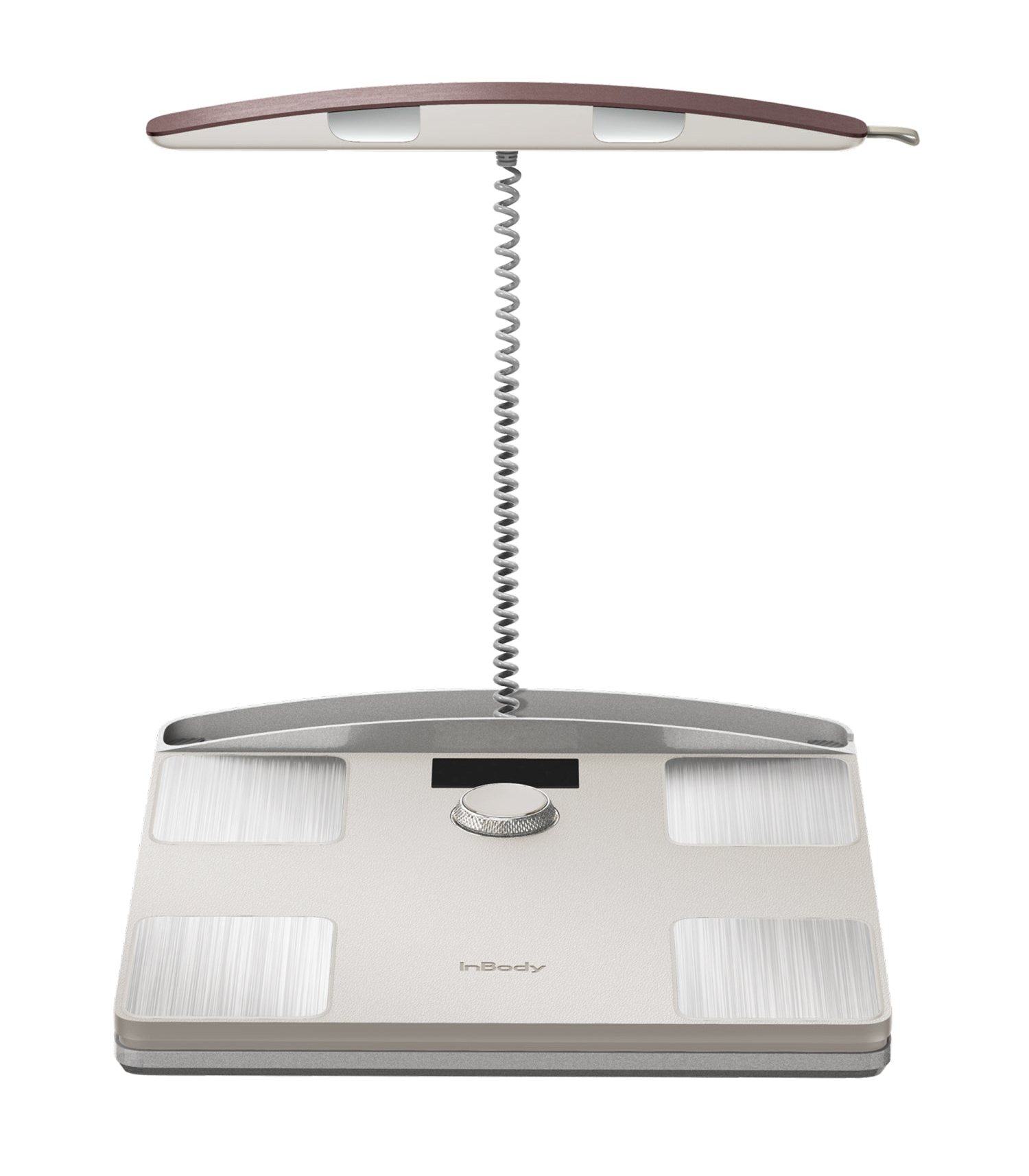 Dial H40For people who train. Leg muscle level and three balance ratings.
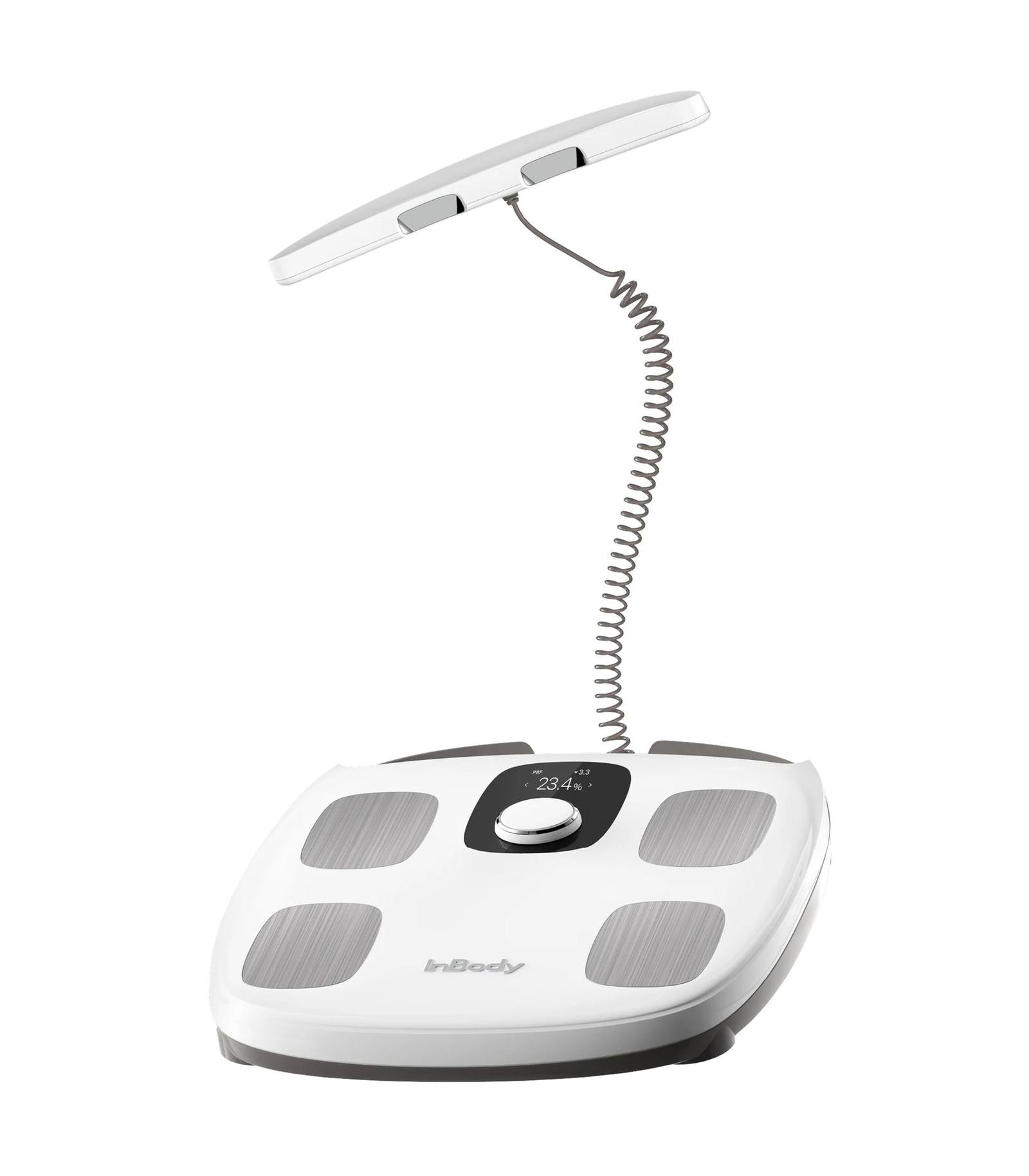 Dial H30For the whole house. Knows who stepped on.
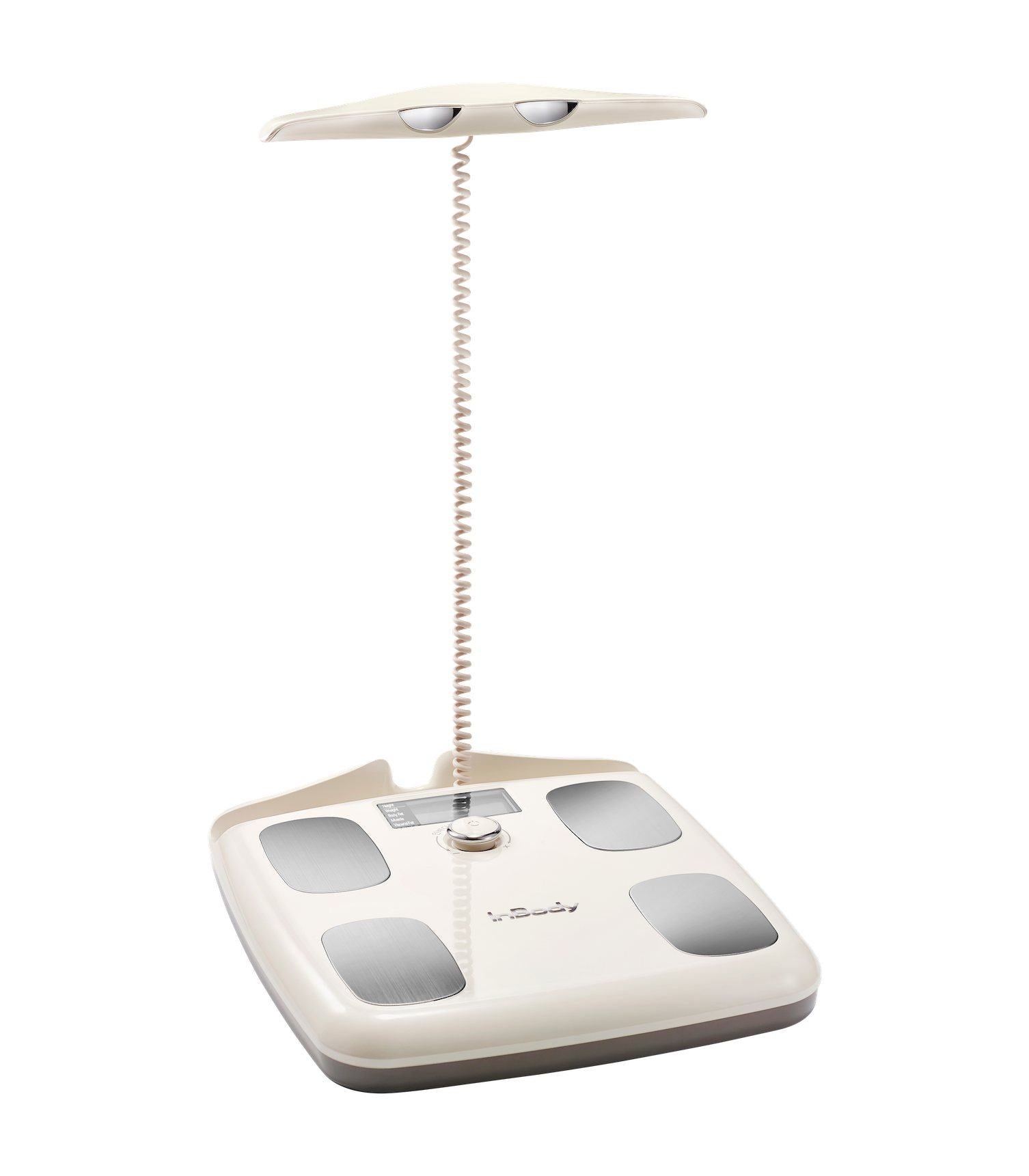 Dial H20For just you. Four readings on the screen.
Six reasons people step on a Dial, and the real numbers behind them. See what people measured
What happens next


